 seolounge



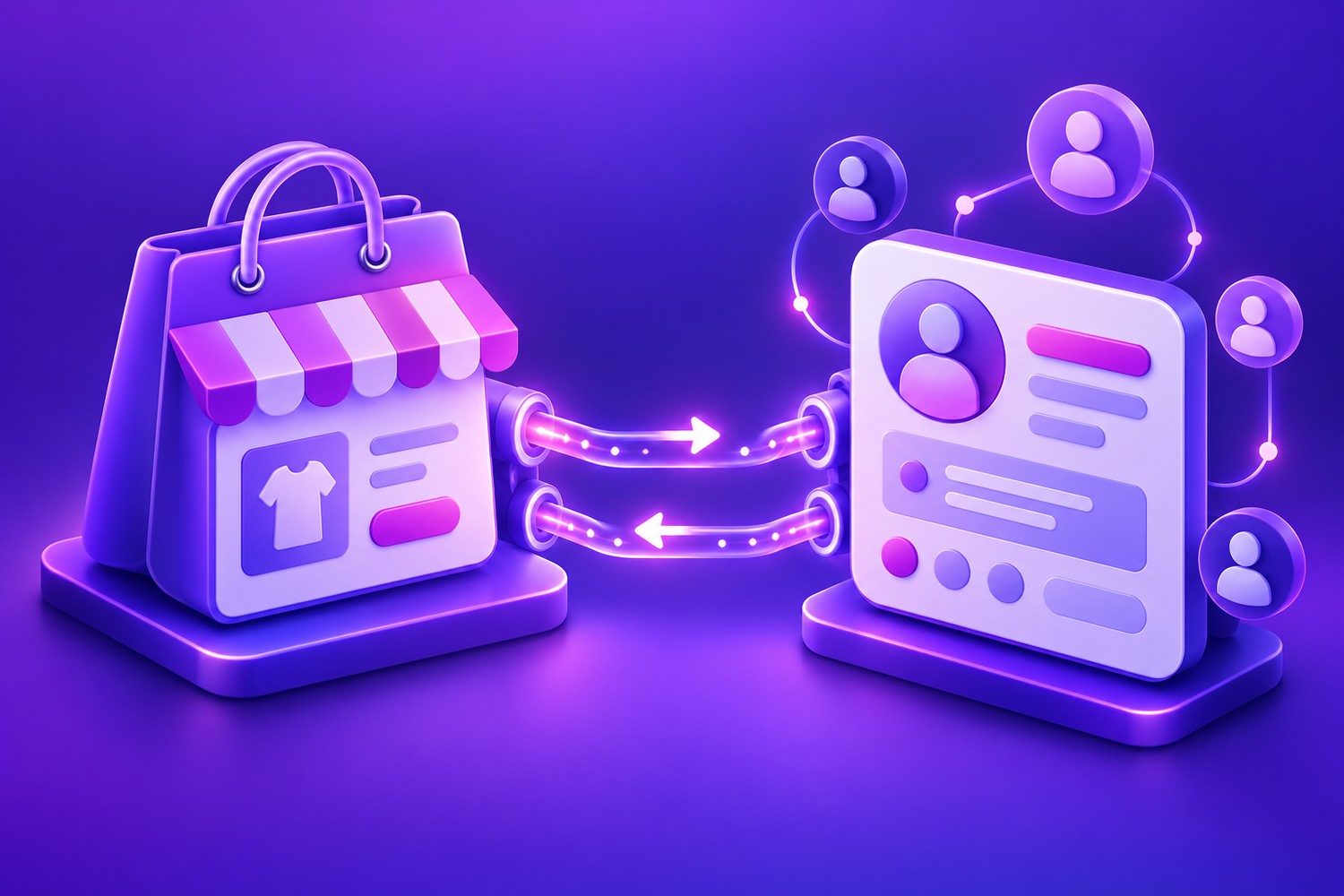
You have an online store that works, a CRM where you keep your customers and maybe an email marketing tool. The problem is that they don’t talk to each other: someone has to export orders, copy customers and update lists by hand. The more you sell, the more time is lost and the more data goes out of date.
Connecting your online store to your CRM solves that problem. Here’s how to do it and what you gain.
What connecting your store to your CRM means
It means information flows automatically between both systems. When someone buys from your store:
- Their customer record is created or updated in the CRM.
- The order is recorded with its products, amount and date.
- They are assigned tags or segments (for example, “repeat customer” or “interested in X”).
- Triggers automatic actions: a thank-you email, a task for the sales team or a satisfaction survey.
Benefits of the integration
A complete view of every customer
You see in one place what they’ve bought, when, how much they’ve spent and what conversations you’ve had. That lets you serve them better and offer them what really interests them.
More profitable marketing
With purchase data in the CRM you can send segmented campaigns: recommend complementary products, win back customers who haven’t bought in a while or reward your most loyal ones.
Less manual work and fewer errors
No more spreadsheet exports or duplicated, incomplete data.
Data-driven decisions
You’ll know which products create the most repeat customers, which channels attract the best buyers and where sales are being lost.
Three ways to connect your store and your CRM
1. Native integrations or plugins
Some platforms and CRMs offer ready-made connectors. They’re quick to switch on, but they usually sync only the basics and don’t always let you adapt the logic to your business.
2. No-code automation tools
Platforms that connect apps through “when this happens, do that” rules. They’re useful for simple workflows, though with high volumes or complex logic they can get expensive and hard to maintain.
3. Custom API integration
A small development that directly connects the APIs of your store and your CRM, with exactly the rules you need: what data is synced, when, and how conflicts are resolved. It’s the most robust option when the process matters to the business.
Steps to build the integration
- Define what you want to achieve: segment customers, automate emails, give the sales team visibility?
- Decide which data is synced and in which direction (store to CRM, the other way round or both).
- Clean up your data before connecting: remove duplicates and standardise formats.
- Choose the integration method based on complexity and volume.
- Test with real data in a controlled environment before switching it on for everyone.
- Monitor that the sync is working and get alerts if something fails.
Common mistakes
- Syncing everything “just in case”: it fills the CRM with data nobody uses.
- Not deciding which system is the master when a piece of data changes in both places.
- Forgetting data protection: the integration must respect your customers’ consent and privacy regulations.
- Not monitoring the integration: if it goes down without anyone noticing, data falls out of sync for weeks.
Frequently asked questions
Does it work with any online store and any CRM?
With most modern platforms, yes, because they offer APIs. The first step is to check what each one allows.
What about the customers I already have?
You can do an initial import of the history and keep the sync running automatically from there.
And what if I also want to automate invoicing?
It’s the natural next step. I explain it in how to automate your company’s invoicing.
Your store and your CRM aren’t talking?
I’ll review the tools you use and suggest the simplest, most reliable way to connect them. Tell me about your case.


